



 Zoom to fit the screen
Using NFC Write To The Driver's Card
Submitted by admin on Tue, 01/21/2025 - 09:041. Purpose
- Allows users to read and write data on driver swipe cards (RFID cards) to a single standard.
2. Implementation conditions
- Applicable to all customers.
- Users are authorized to use option VN119 to authorize sub-accounts.
- Users use the feature on the mobile app: Vietnam FMS.
3. Implementation instructions
- Go to menu Using NFC Write To The Driver's Card

- The function screen displays the Driver Information section (comboBox), allowing you to select the driver whose data needs to be recorded on the card:
+ The system displays the list of drivers entered in Setting / Basic Information / Name List.
- Only allows you to select drivers who have fully entered information: Driver name - Driver's license number.

+ Function key section Card read- Card write:
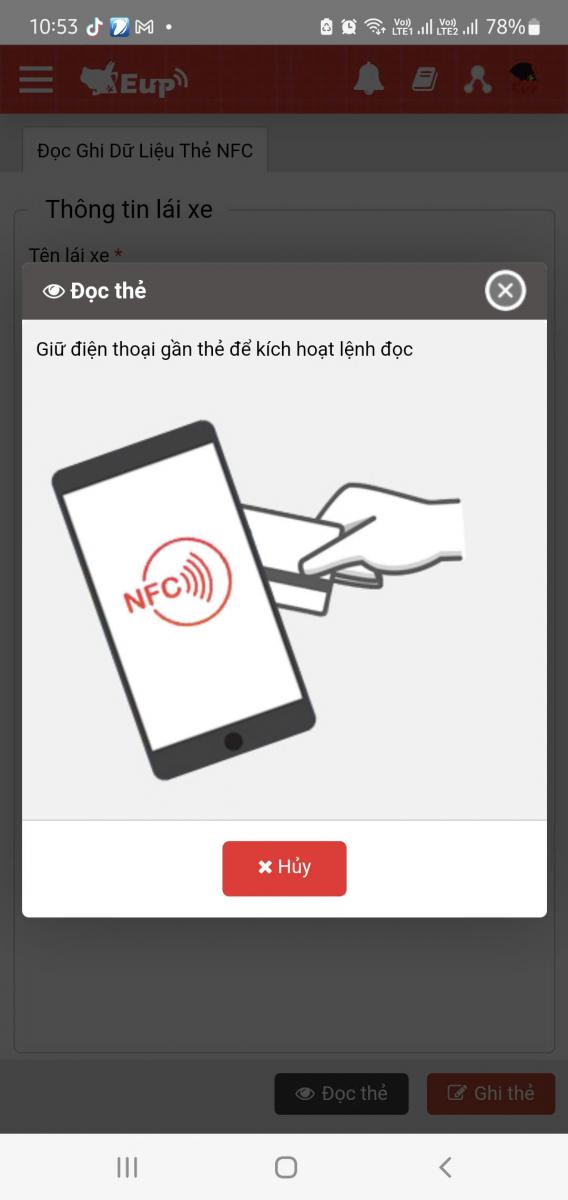
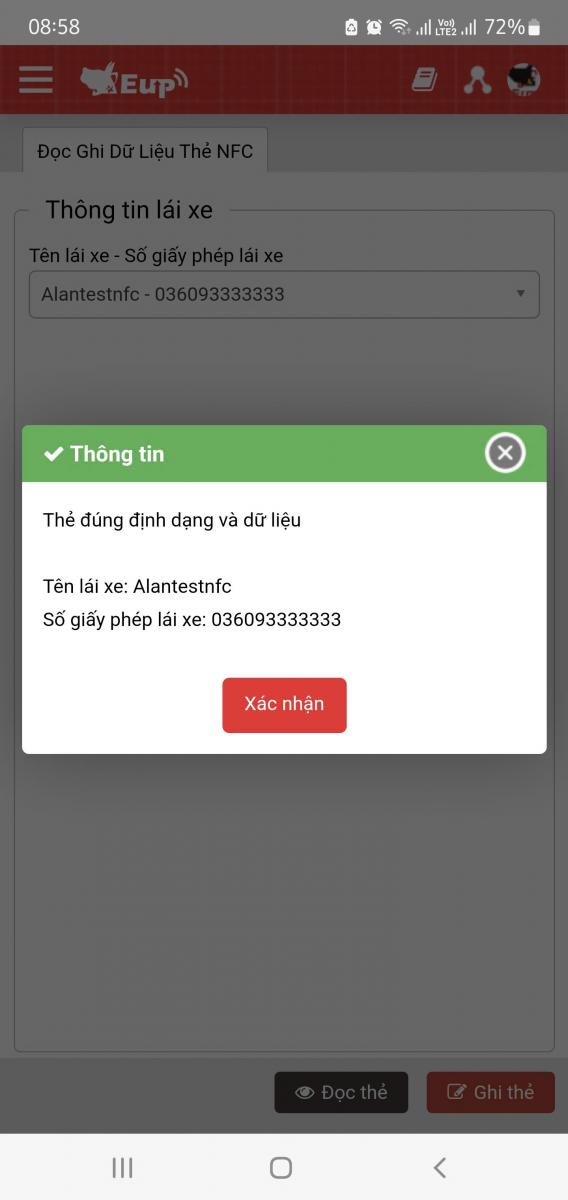
- Card read: The user presses the card read button then puts the driver's swipe card into the NFC receiving area of the mobile device for the system to start reading the card, the system displays a successful / unsuccessful reading notification and displays the read card information including Driver's name - Driver's license number.
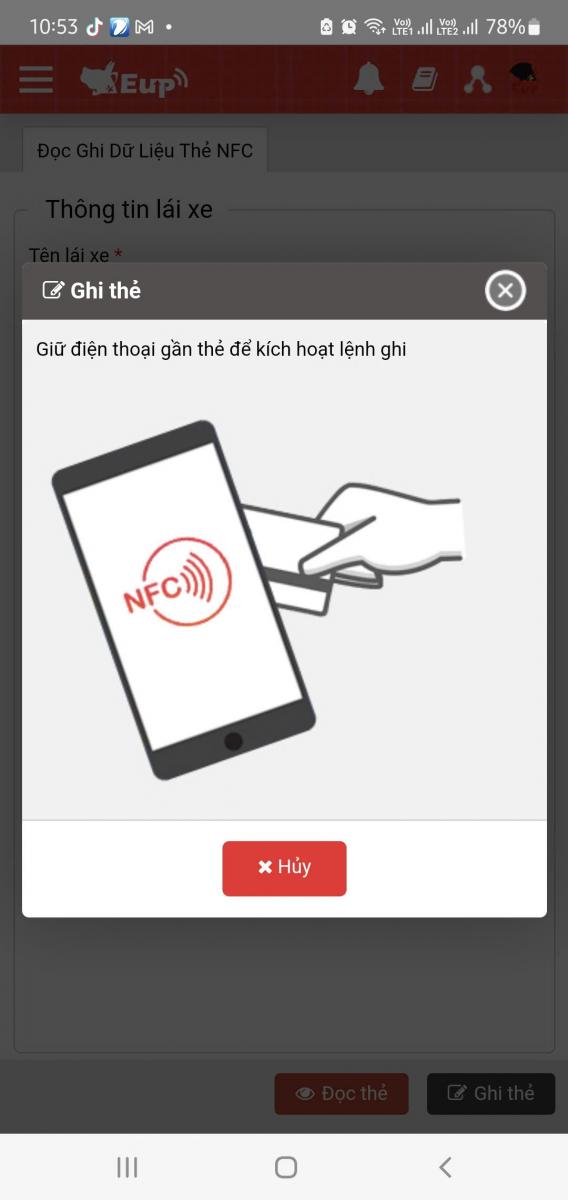
- Card write: To record the card, the user must select the driver in the driver information comboBox. Then the user will need to swipe the card into the NFC receiving area of the mobile device for the system to record the card.
Note:
+ Mobile devices must support NFC and have NFC enabled to use this feature.
+ The NFC card data reading and writing feature is only used on mobile apps.
+ When reading or writing data on IOS apps, hold the swipe card in the NFC-enabled area of the device for 4 seconds.
+ Only drivers who have filled in the Driver Name - Driver License Number information in Setting / Basic Information / Name List can be selected.
+ The system will record the card to a single standard, used for all devices.