



 Zoom to fit the screen
Car Grouping & Sharing
Submitted by rd on Fri, 12/02/2022 - 14:311. Purpose
- Allows to create vehicle groups, driver groups and set up vehicles and drivers belonging to different groups to support management
2. Implementation conditions
- Users are authorized to Car Grouping & Sharing functions in the authorization section
3. Implementation instructions
Go to the menu Setting/Car Grouping & Sharing
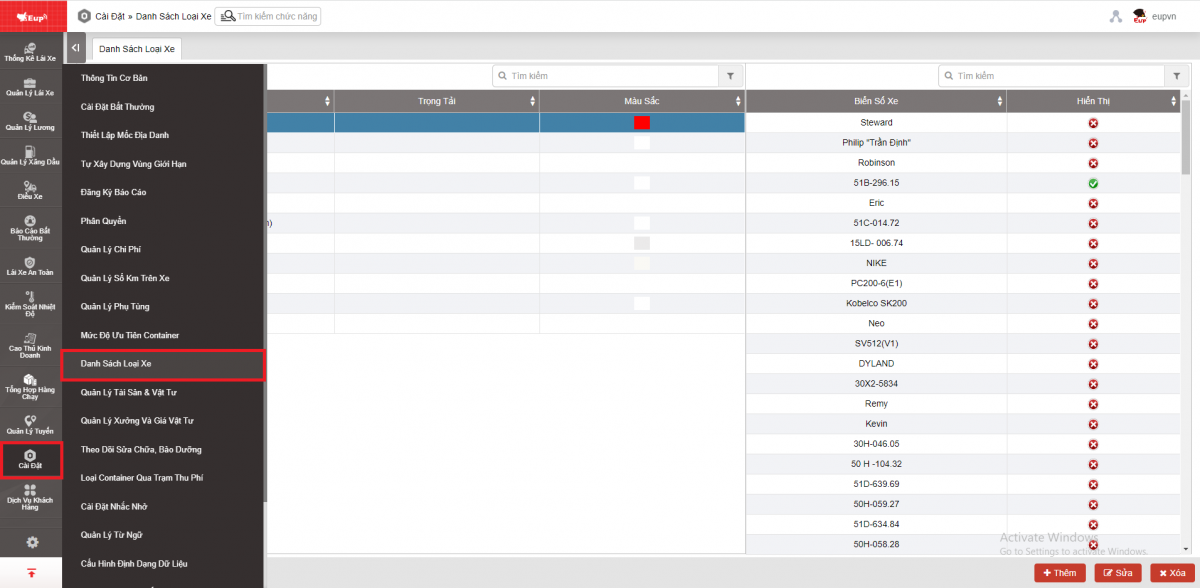
- The display function screen consists of 3 parts:
+ Share Setting section
+ Car Group Setting section: Displays the vehicle group list
+ Driver Group Setting section: Displays the vehicle group list
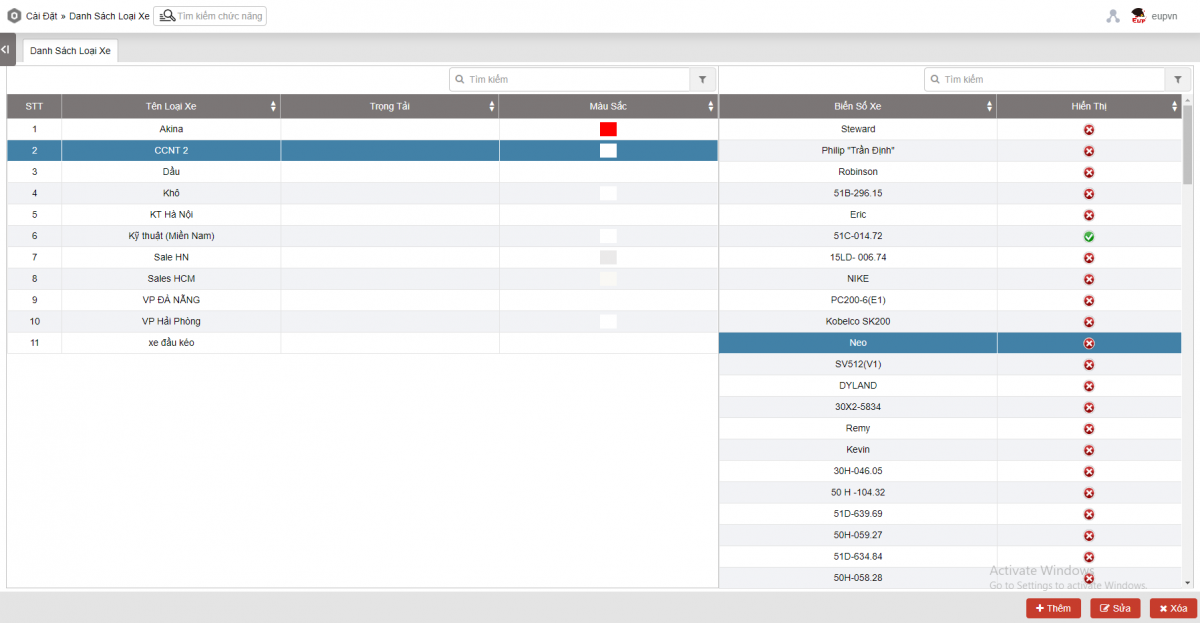
+ Car Group Setting section includes the following information:
- Car Group : Name of the car group created by the user
- Color
- Car Name
- Plate Number
- Button Add/Edit/Delete: Supports users to add/edit/delete car groups
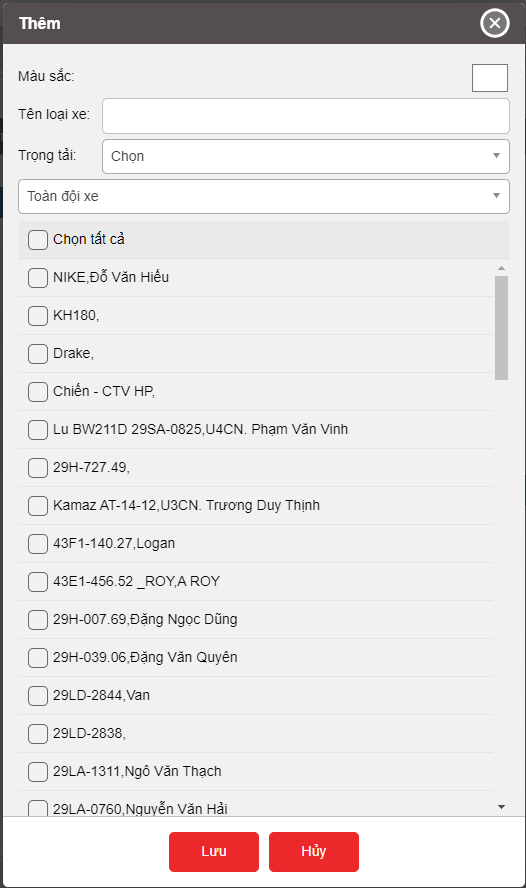
Add new vehicle group: Allows users to add and update vehicles in the group. Users select the Add button and enter information for the vehicle group including Group name, Color, select vehicles in the list and press Save.
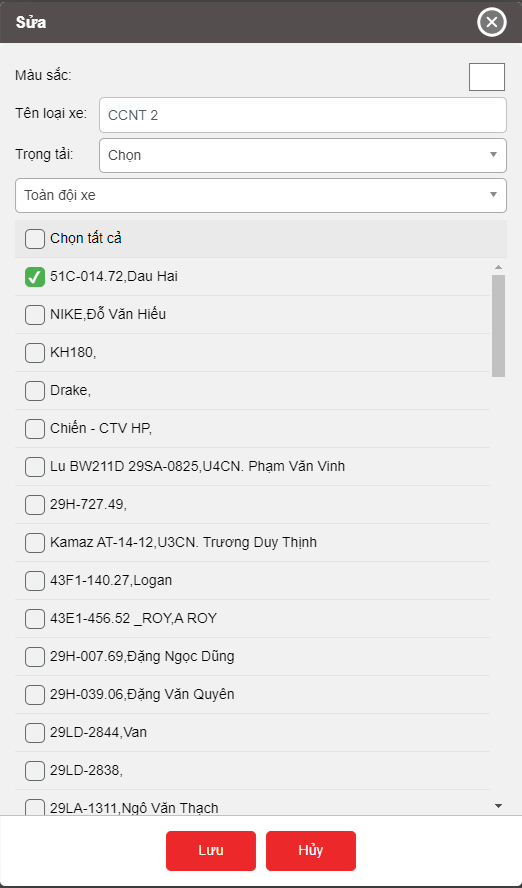
Select the vehicle group that needs to edit information and press the Edit button to edit information for the vehicle group, then press Save
Select the vehicle group to delete, press the Delete button then press OK to delete the existing vehicle group.
+ Driver Group Setting section includes the following information:
- Car Group:
- Color
- Driver
- Edit button: Supports users to edit driver groups
Select the vehicle group that needs to edit information and press the Edit button to edit information for the driver group, then press Save