Road Speed Limit Report
1. Purpose
- Allows users to count drivers' speed limit violations on specific routes
2. Implementation conditions
- Users are authorized to Road Speed Limit Report on the CRM system
3. Operation
- Go to menu Statistics report/Road Speed Limit Report
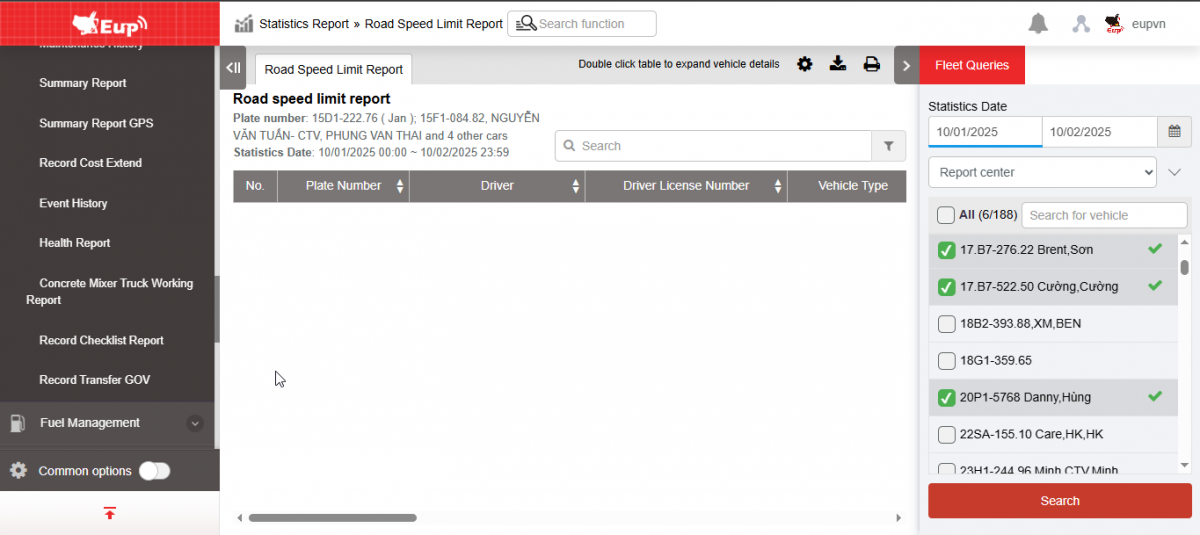
- The function display screen consists of 2 parts:
+ Fleet Queries section for users to select information about time and vehicle list,
+ The Report section displays detailed information about speed, location and time the vehicle exceeded the speed limit.
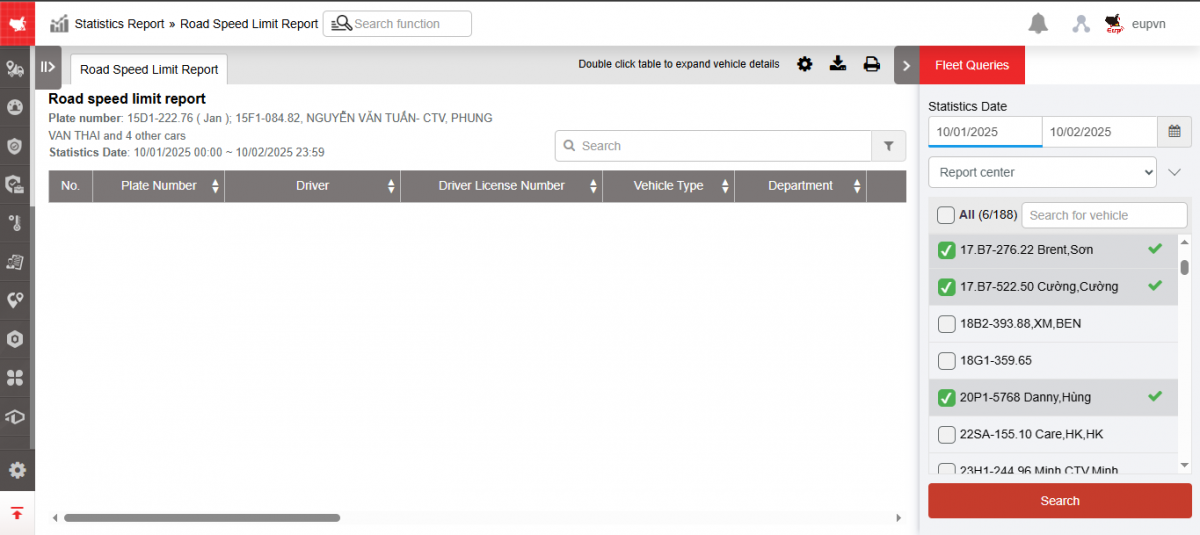
+ Fleet Queries section : allows users to set up search information as follows:
-
From : Select the first date and time that the user wants to see
-
To : Select the last date and time that the user wants to see
-
Report type : There are 2 types
-
Report center
-
Report by car
-
-
Fleet: Default to the entire fleet and allows selecting other fleets in the system
-
Vehicles: Allows selection of one, multiple or all vehicles using checkbox
-
Country: There are two options Vietnam, Laos. Default is All
-
Click Search to display results
+ Report section : Includes indicators
-
Plate number
-
Driver
-
Driver's license number
-
Vehicle type
-
Department
-
Total violation time: The time the vehicle violated the speed limit
-
Average speed: Vehicle speed at the time of the violation
-
Speed limit: The speed limit is set in the Abnormal settings section.
-
Excess speed: Exceeding the set speed limit
-
Start Coordinates: Coordinates of the vehicle start at the speed violation location
-
End coordinate: Coordinates of the vehicle stop at the speed violation location
-
Address: Address at the time the vehicle exceeded the speed limit
+ Select the icon  to print the report
+ Select the icon  to download the report in excel format
+ Select icons  to customize display columns, customize license plates on reports and set up printing signatures
- Log in to post comments
- Tiếng Việt
- 繁體中文